
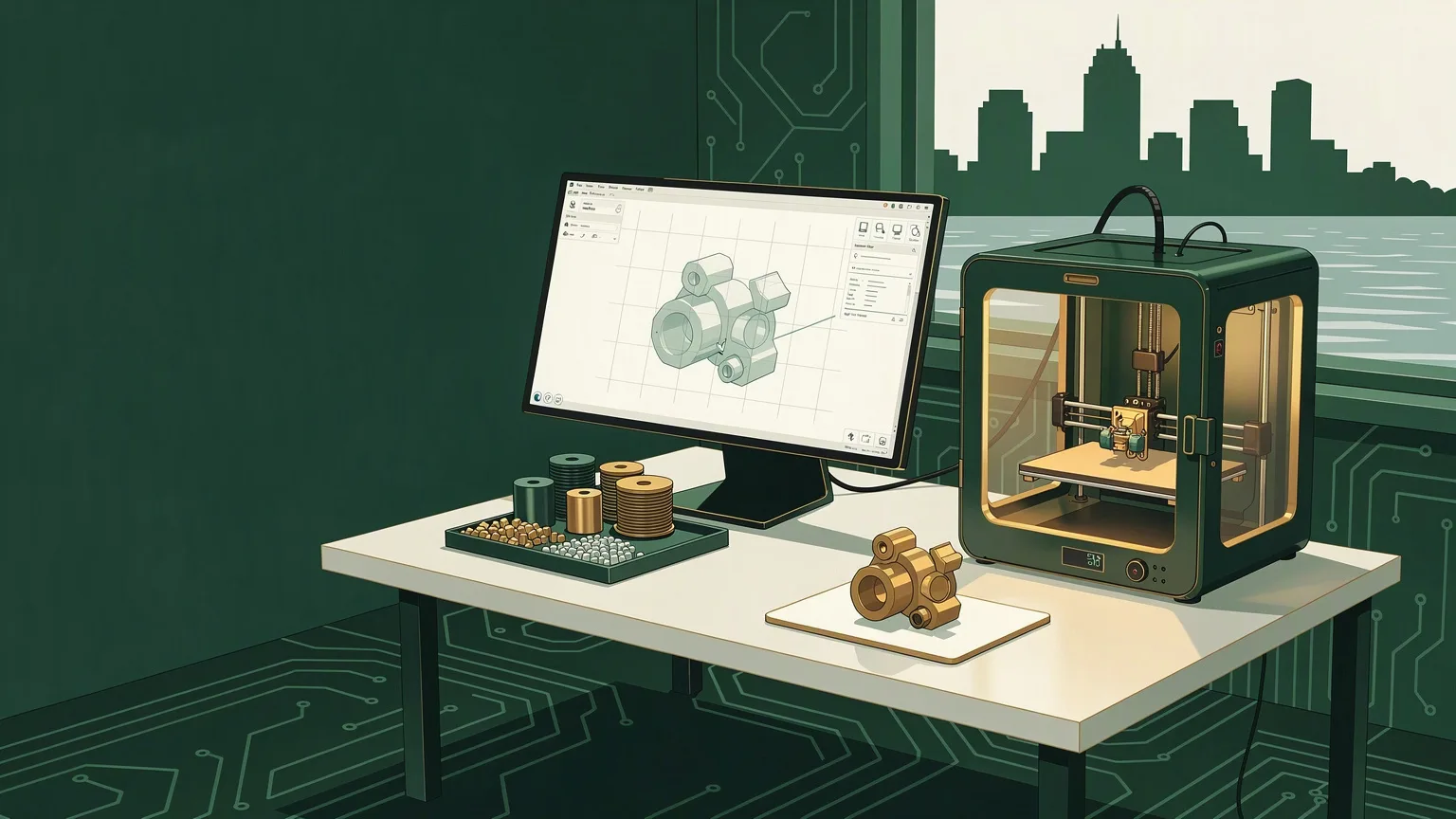
Most people picture 3D printing as pressing a button and watching a machine hum out a finished object. The button is real, but the interesting work happens before and after it. Custom 3D printing is a workflow — an idea becomes a CAD model, the model becomes toolpaths, plastic gets laid down layer by layer, and then a person cleans up and finishes the result until it's a part you can actually use. When someone in Cleveland asks us to make a bracket, a replacement knob, a fixture, or a housing that doesn't exist anywhere for sale, this is the path we walk from CAD to physical part.
This guide walks through that whole workflow in plain language, so you know what you're paying for, what we need from you, and where the real time goes. It's written for the small business owner in Lakewood who needs a jig for the shop floor, and for the homeowner in Parma who broke a part that's no longer made.
It Starts With a Design, Not a Printer
Nothing gets printed until there's a 3D model — a CAD file that describes the part's exact geometry in three dimensions. This is the single most important step, and it's the one most people underestimate. A printer is only as good as the model you feed it.
You don't need to arrive with a CAD file. Plenty of our custom-part work starts with a napkin sketch, a photo, a hand measurement, or the broken original sitting on a workbench. We take that and build a clean, printable model in CAD, checking wall thickness, clearances, and how the part will actually be used. If you already have a model — an STL or STEP file from a vendor, or something you drew yourself — even better; we'll review it for printability before anything spins up. Either way, the design stage is where a good custom part is really made.
Rule of thumb: If you can hand us the broken part, a ruler measurement, or even a clear photo with a reference object for scale, we can usually turn it into a working CAD model. You don't need engineering software or CAD skills — that's our job.
Choosing the Right Material
"Plastic" isn't one thing. The material we choose changes how the finished part looks, how strong it is, how it handles heat and sunlight, and how long it lasts. Picking the wrong one is the most common reason a printed part disappoints, so we settle this before printing, based on how you'll actually use it.
A few common choices we reach for:
- PLA — easy to print, rigid, great for prototypes, display pieces, and indoor parts that won't see heat. It softens in a hot car or a sunny window, so we avoid it outdoors.
- PETG — tougher and slightly flexible, with better heat and moisture resistance. A solid all-rounder for functional brackets, enclosures, and parts that take some abuse.
- ASA or ABS — built for UV and heat, which makes them the right call for anything living outside or in a warm environment.
- TPU — a rubbery, flexible material for gaskets, bumpers, grips, and anything that needs to bend without snapping.
- Nylon or carbon-fiber blends — for higher-strength, load-bearing parts where a standard plastic wouldn't hold up.
When you tell us where the part lives and what it has to survive — a shop in Westlake, a car dashboard, a bathroom, the side of a house in Shaker Heights — the right material usually picks itself.
Slicing: Turning a Model Into Machine Instructions
A printer can't read a CAD model directly. Software called a slicer converts the 3D model into hundreds or thousands of thin horizontal layers and generates the exact path the nozzle follows for each one. This is where a lot of quiet decisions get made, and they matter more than most people realize.
In slicing we set layer height (finer layers mean smoother surfaces but longer prints), infill (how solid the inside is — a light lattice for light-duty parts, dense fill for strength), wall count, and orientation. Orientation is especially important: printed parts are weaker along the lines between layers, so we position the part on the bed so its strength runs the right way for the load it'll carry. A peg printed the wrong way up will snap off; printed the right way, it holds. We also add temporary support structures for any overhangs, which get removed later.
Printing the Part
Now the machine actually runs. The nozzle heats the plastic and lays it down one layer at a time, building the part from the bed up. Depending on size and detail, a print can take anywhere from under an hour to a full day or more. Small brackets are quick; a large enclosure or a highly detailed piece takes real time.
This stage is the most automated, but it isn't unattended magic. The first layer has to stick perfectly or the whole print fails, temperatures and cooling have to match the material, and long prints get checked along the way. Getting a clean result the first time is mostly a payoff from good design and careful slicing — which is exactly why we spend time on those steps up front instead of rushing to hit "print."
Finishing: Where a Print Becomes a Part
A part fresh off the printer is not a finished part. Support material has to be removed, the surface may need cleanup, and depending on the job there's real post-processing to do. This is the step hobby prints usually skip and custom work usually can't.
Finishing can include removing supports and cleaning up seams, sanding for a smoother surface, adding heat-set threaded inserts so the part can be bolted together and taken apart repeatedly without stripping, drilling or reaming holes to a precise fit, and priming and painting for a professional look. For a shop fixture, "finished" might just mean supports removed and edges knocked down. For a customer-facing product housing, it might mean sanding, filling, and a painted finish. We match the effort to what the part is for, so you're not paying for a showroom finish on a bracket that lives inside a cabinet.
Fit, Tolerance, and Why We Sometimes Print Twice
3D printing holds looser tolerances than machined metal — realistically around a few tenths of a millimeter on a well-tuned printer. For most brackets, housings, and replacement parts that's plenty. But when a part has to mate precisely with something else — slide into a slot, snap onto an existing assembly, thread onto a shaft — that margin matters.
For those jobs we often print a quick test piece, check the fit against the real hardware, adjust the model, and print the final version. It's a small extra step that turns "close enough" into "drops right in." Building that fit-check into the process is part of the difference between a print and an engineered part, and it's why we'd rather get it right than get it fast.
When 3D Printing Is the Right Tool — and When It Isn't
Custom 3D printing shines when you need one part or a small handful, when the part doesn't exist to buy, or when a design will likely change. It's fast, affordable, and endlessly adjustable. It's the obvious answer for a discontinued knob, a custom mount, a shop jig, a prototype, or a bracket sized to your exact space.
It's not the right tool for everything. If you need thousands of identical units, injection molding wins on cost per part. If you need metal, tight machined tolerances, or a part under heavy structural load, CNC machining or another process is the better fit. Part of our job is telling you honestly when printing isn't the answer — and pointing you toward what is. Because we work fixed-price, that recommendation is about getting you the right part, not billing more hours.
Have a Part in Mind? Let's Make It.
From a sketch, a photo, or a broken original, we handle the whole workflow — CAD design, material choice, printing, and finishing — for Cleveland-area homes and businesses. Veteran-owned, fixed-price, free 15-minute consult.
Get a Quote